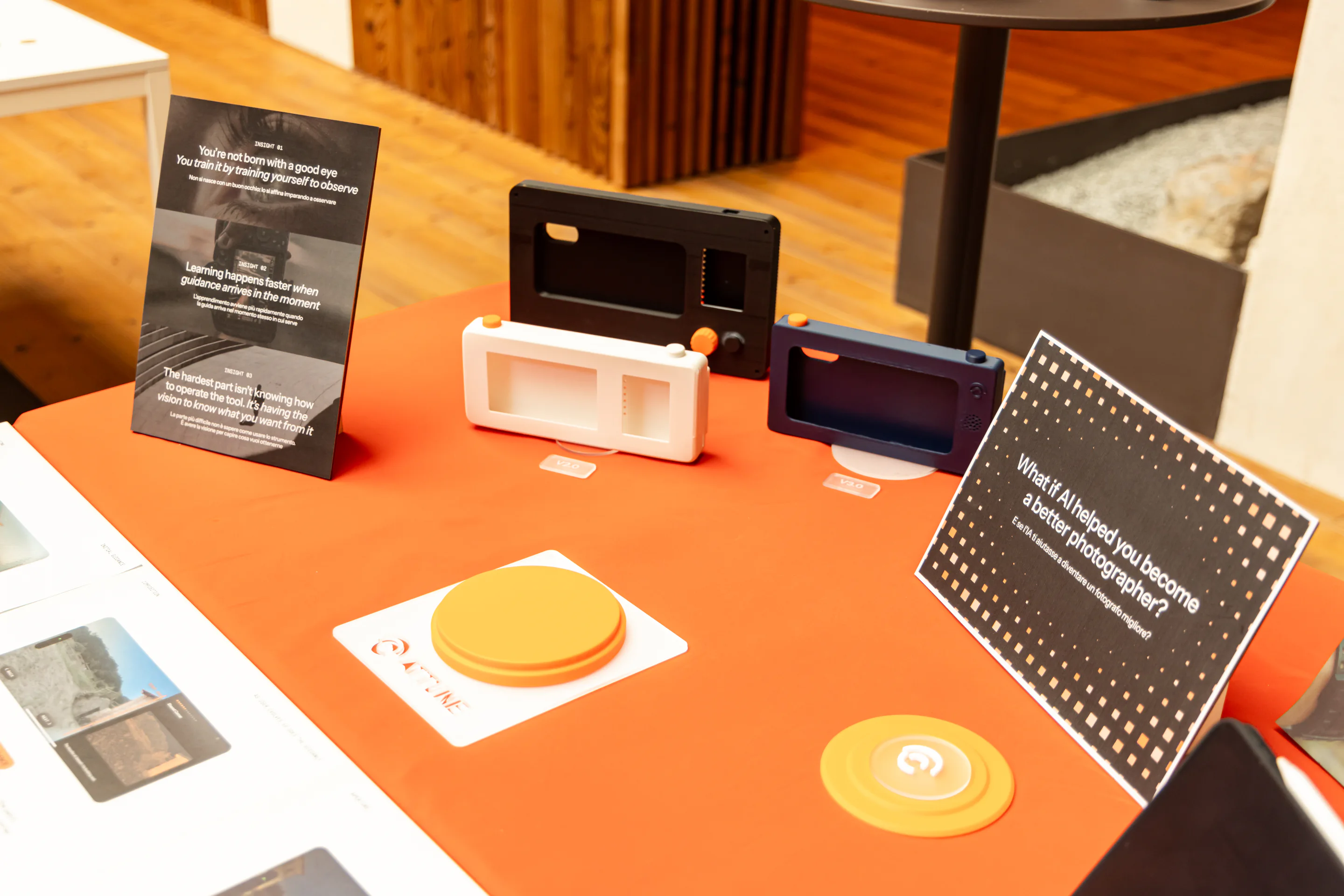
You’re not born with a good eye. You train it by training yourself to observe.
THE WHY
AI can generate, enhance and correct an image in seconds. With a prompt, a person can describe what they want and receive a finished result, with the system making many of the visual decisions along the way.
For someone learning photography, that leaves a gap. A better result does not necessarily explain why an image works or what to notice in the scene. The photograph may improve without the person developing the judgment to make those decisions themselves.
THE REFRAME
What if AI helped improve the photographer instead?
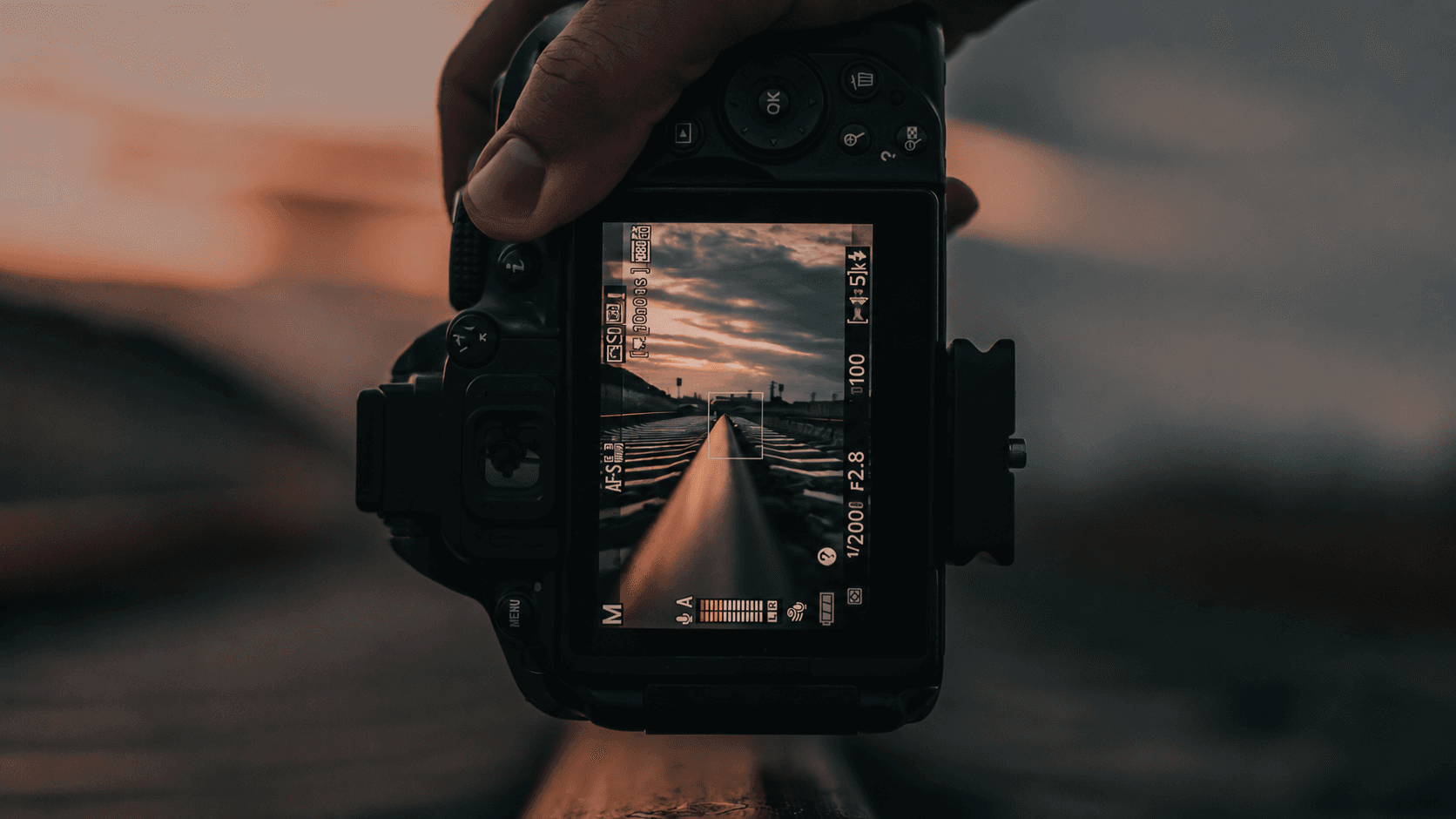
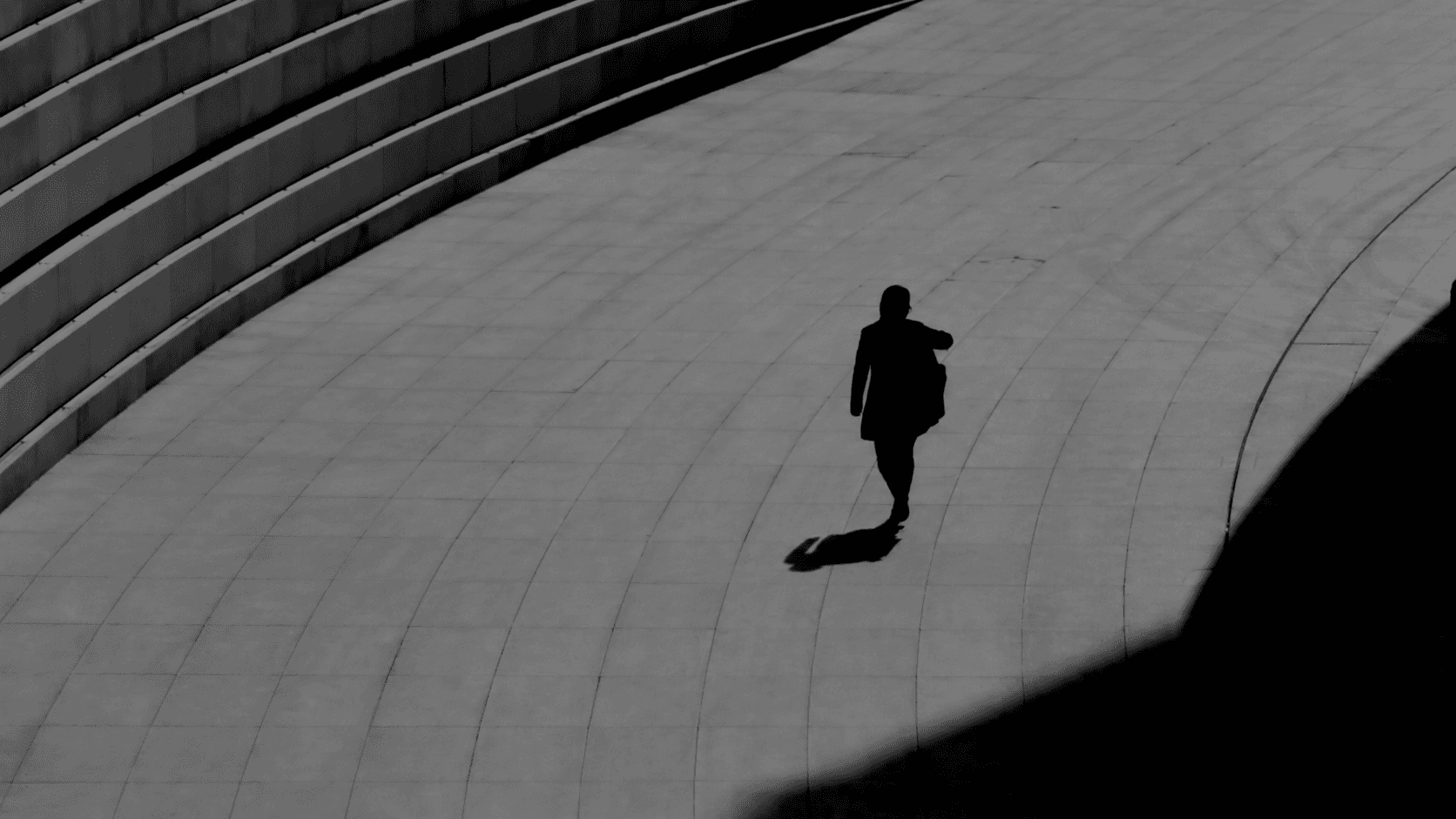
Learning photography is about more than knowing how to use a camera. It means developing an eye: learning to notice light, recognise relationships within a scene, and decide what matters in the frame.

RESEARCH INSIGHTS
Four ideas shaped
the direction of Attune
To understand how a photographic eye develops, I drew on perspectives from photography, filmmaking, visual art, design and AI.
I wanted to understand what experienced practitioners notice, what feels difficult when starting out, and where guidance can support learning. These perspectives informed four insights that became the starting point for my prototypes.
PROTOTYPE 01
My first prototype tried to explain everything the system noticed
Prototype 1 began with a simple assumption: if AI could notice more, it should explain more. After each photograph, it returned feedback on composition, lighting, distractions, strengths and possible improvements, often all at once.
Very quickly, I saw the problem. The amount of feedback asked a beginner to interpret several judgments at the same time. More information did not necessarily provide a clearer next step, and photography, a visual practice, was being taught mostly through paragraphs.
CAPTURE

FEEDBACK

PROTOTYPE 02
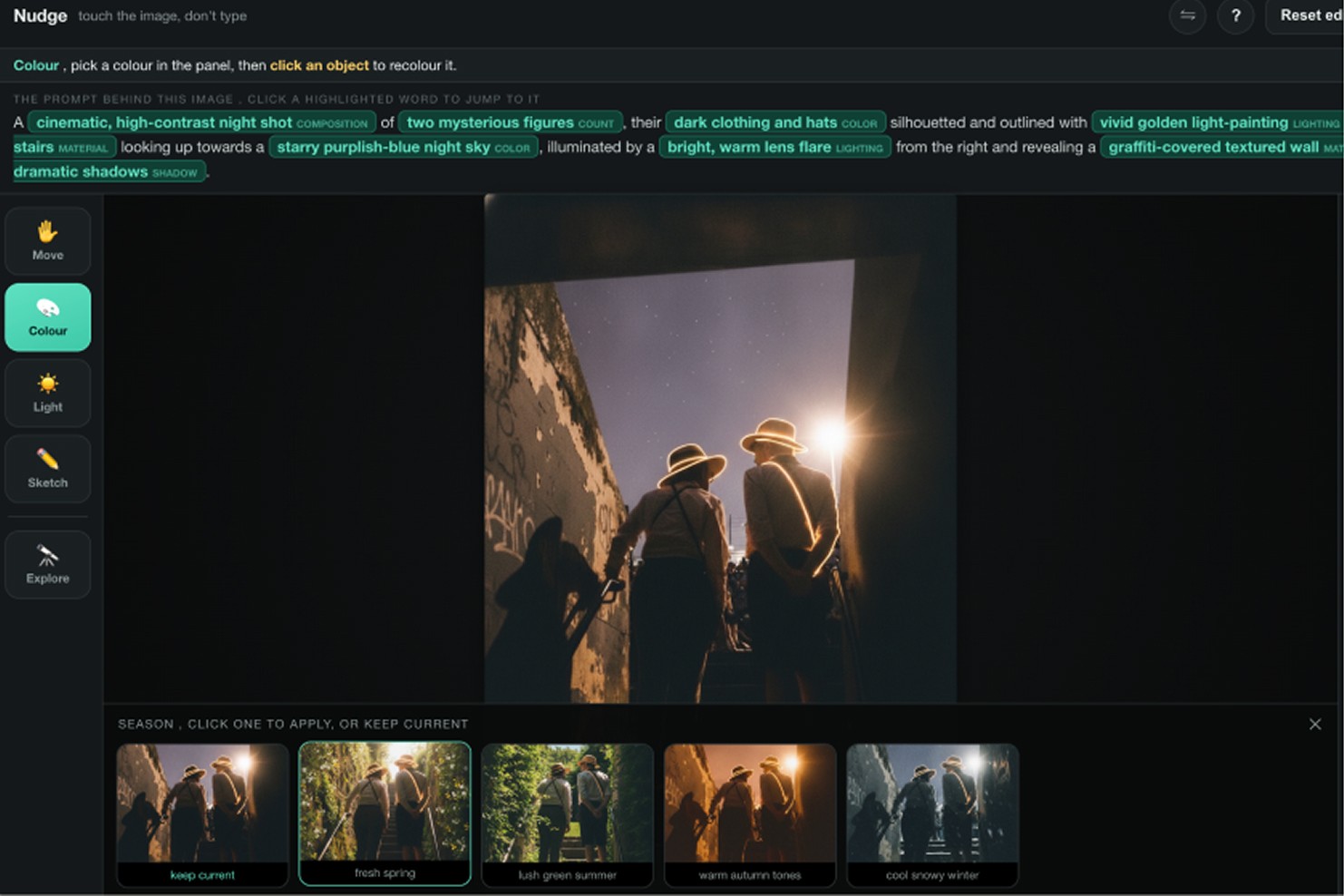
This prototype explored a more active way of learning. Instead of describing how a photographic choice affects an image, it allowed one variable, such as light, colour, time or an object, to change while the rest of the scene stayed consistent. Comparing the results made the relationship between a decision and its visual consequence easier to see.
The point was to make cause and effect visible, not to edit the image.
PROTOTYPE 03
I explored borrowing the perspective of photographers whose work is shaped by recurring decisions around light, framing, colour and timing. The useful part was making the patterns of attention behind a style visible, rather than copying the style itself.
PROTOTYPE 04
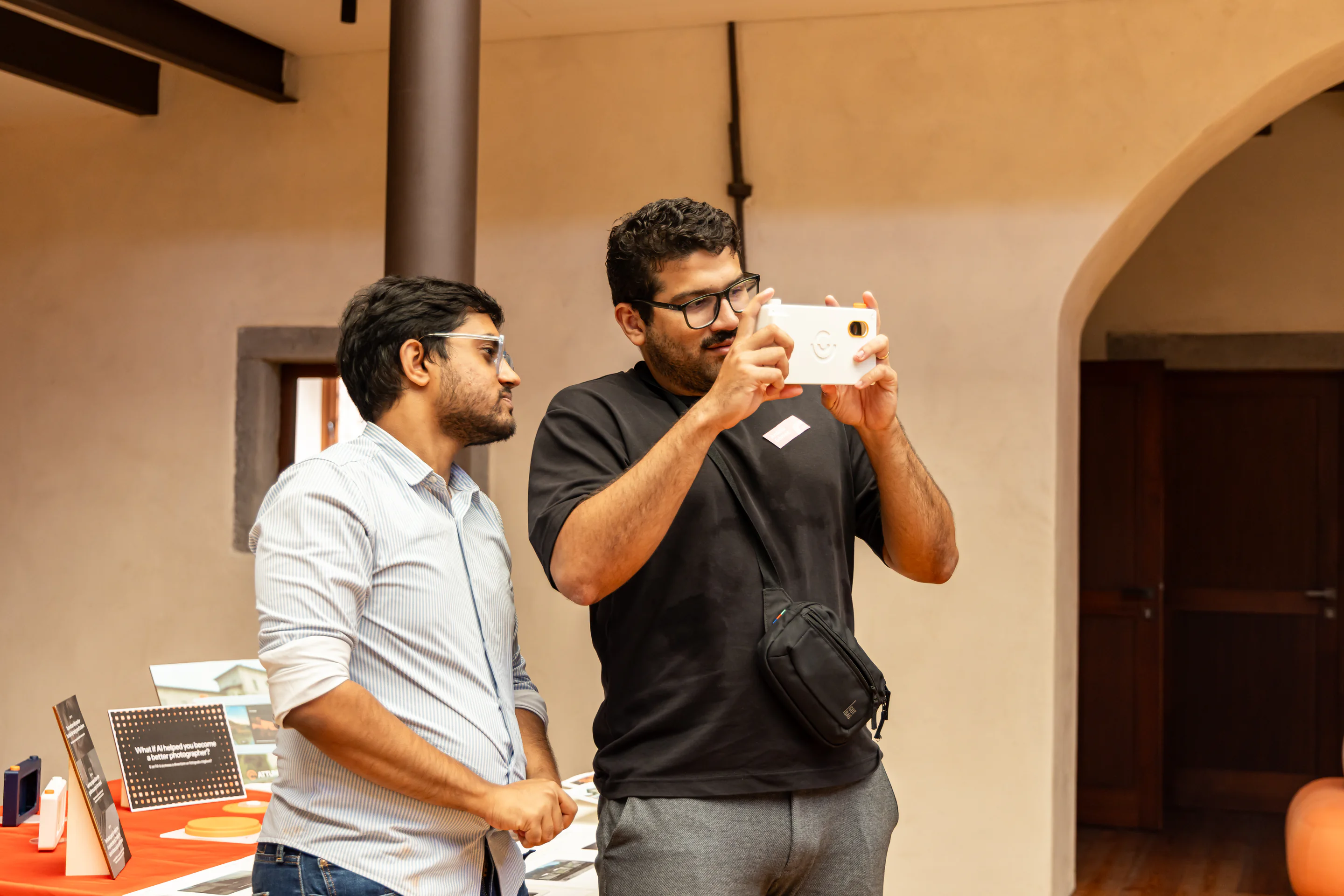
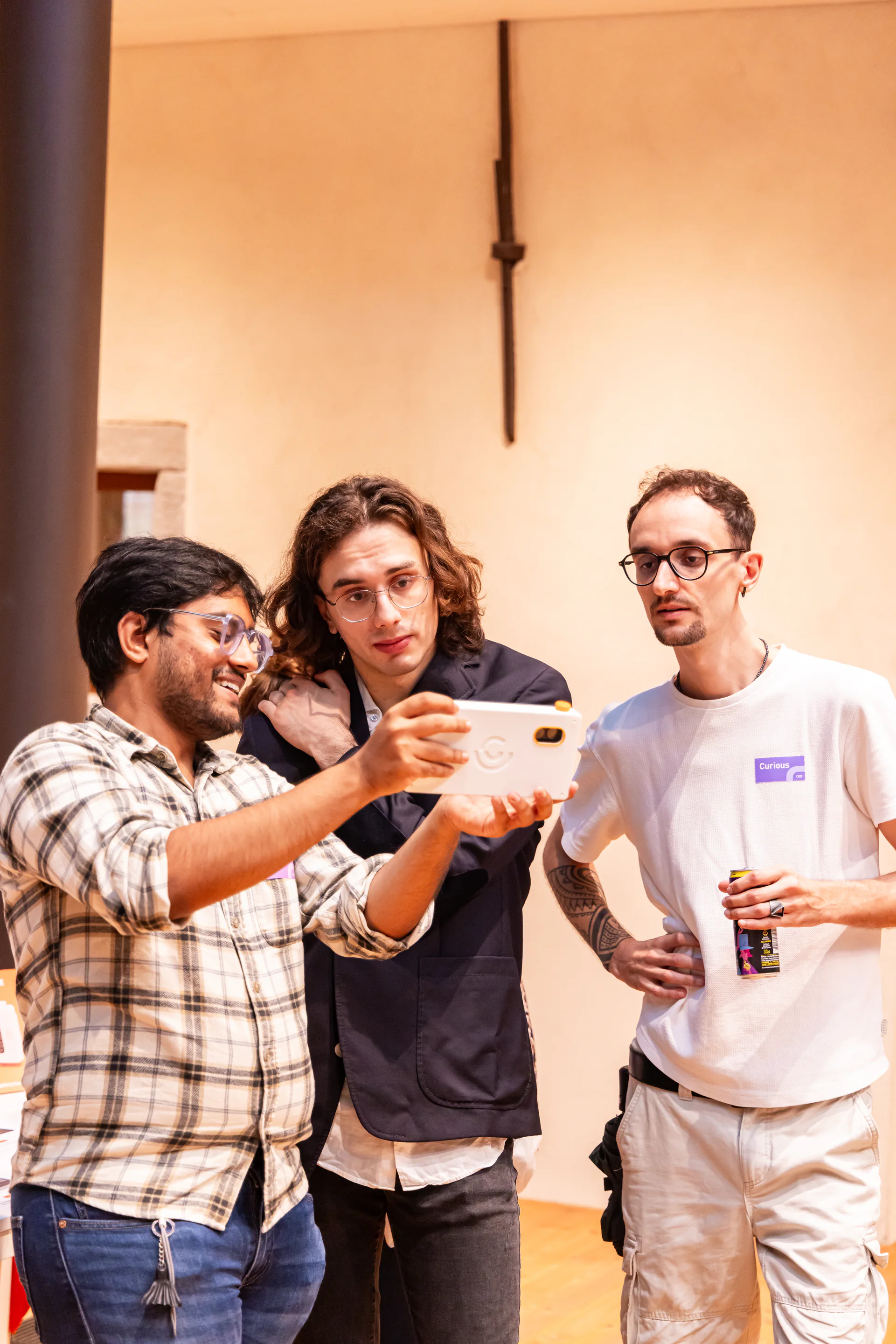
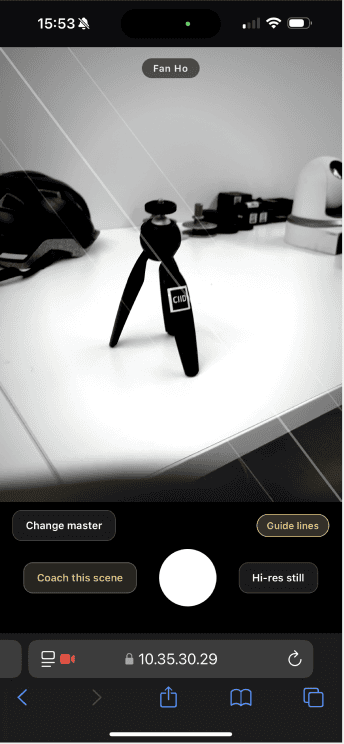
This prototype moved guidance from a separate learning interface into the live viewfinder. Instead of reviewing advice before or after taking a photograph, Attune could respond to the scene as it unfolded, using markers, overlays and visual augmentation to direct attention to relevant relationships while leaving the learner to decide what to change.
PROTOTYPE 05
I experimented with live visual overlays that temporarily exaggerated specific characteristics of a scene, such as edges, contrast, light distribution, spatial structure and tonal relationships. Instead of explaining these concepts through text, the viewfinder could show them directly within the photograph.
What the prototypes taught me

The camera that grows with you
Reveal complexity gradually as the learner progresses.

Design for independence, not dependence
The system should become less necessary as the user’s own eye and perception become stronger.

Guidance in the moment
Instead of analysing the photograph afterwards, guidance should appear in the moment, while the learner can still move, reframe, experiment and see what changed.
PHYSICAL PROTOTYPES
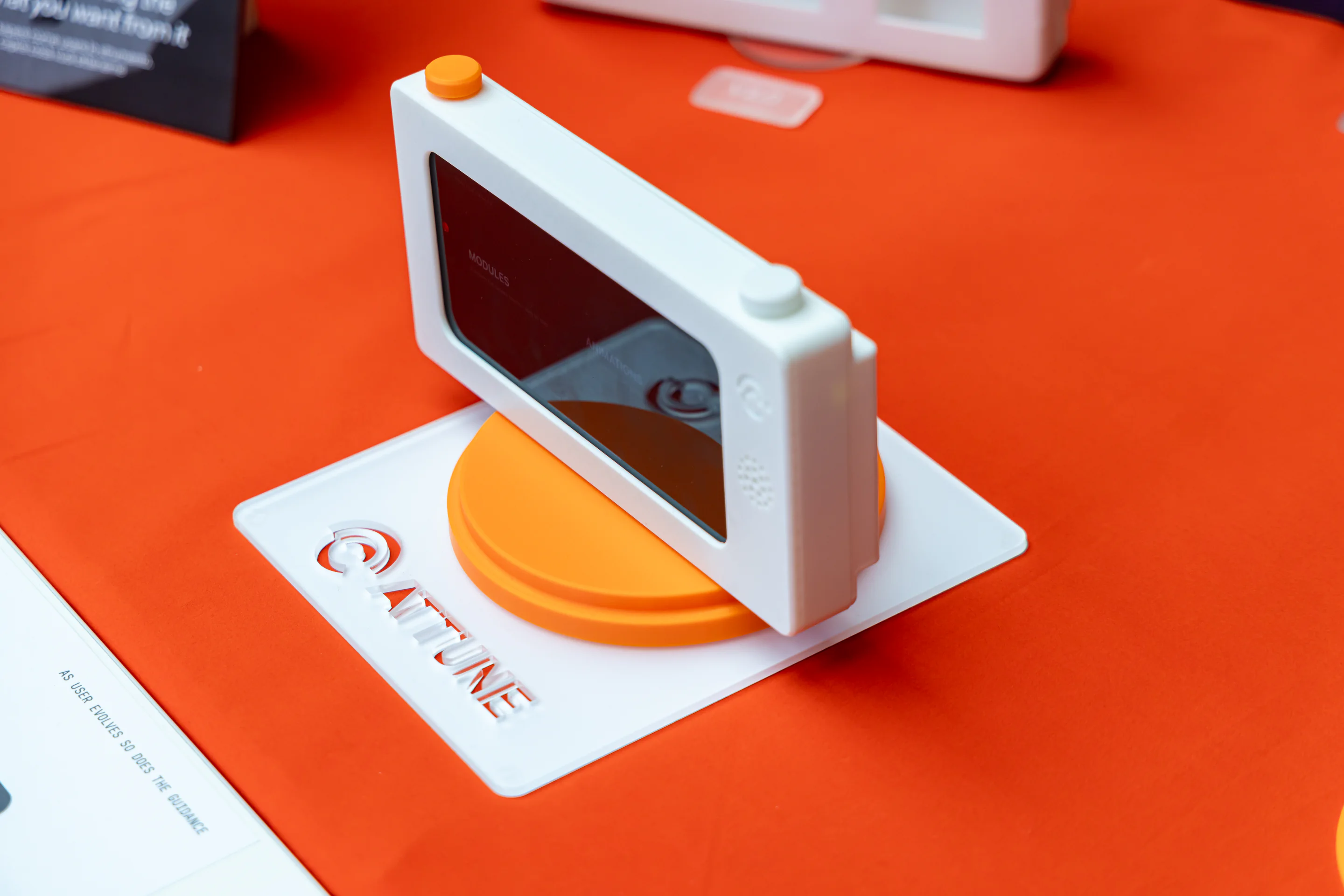
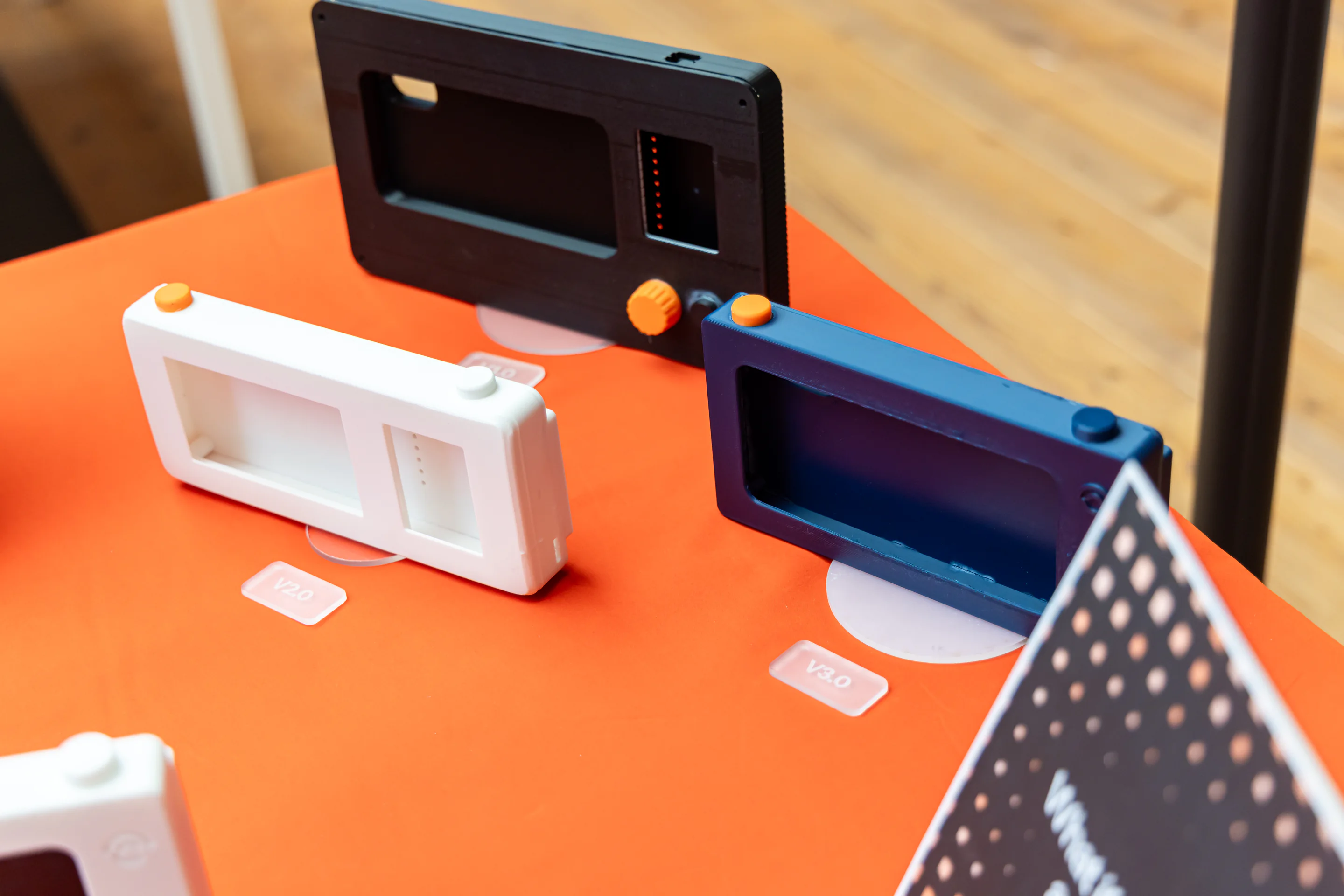
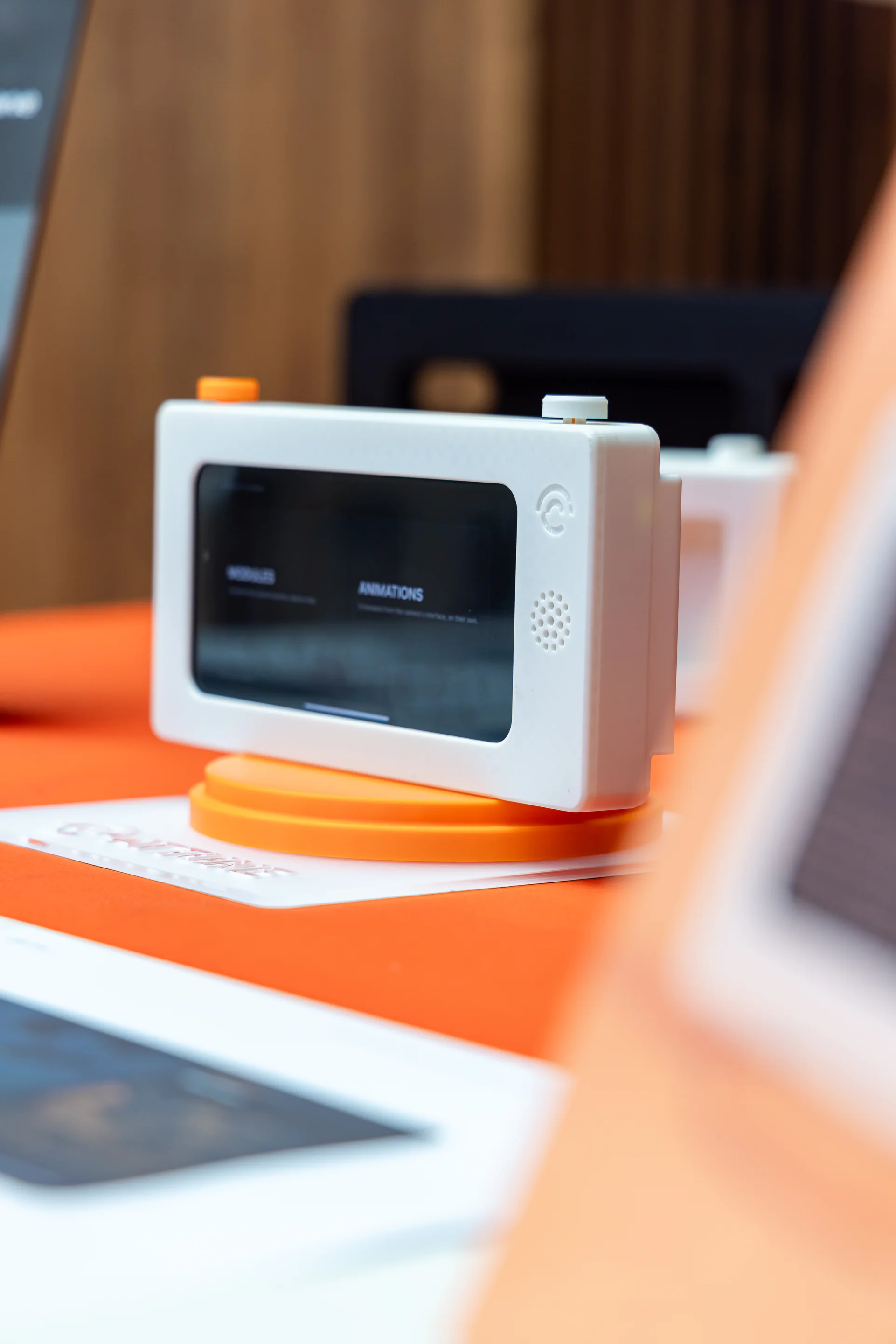
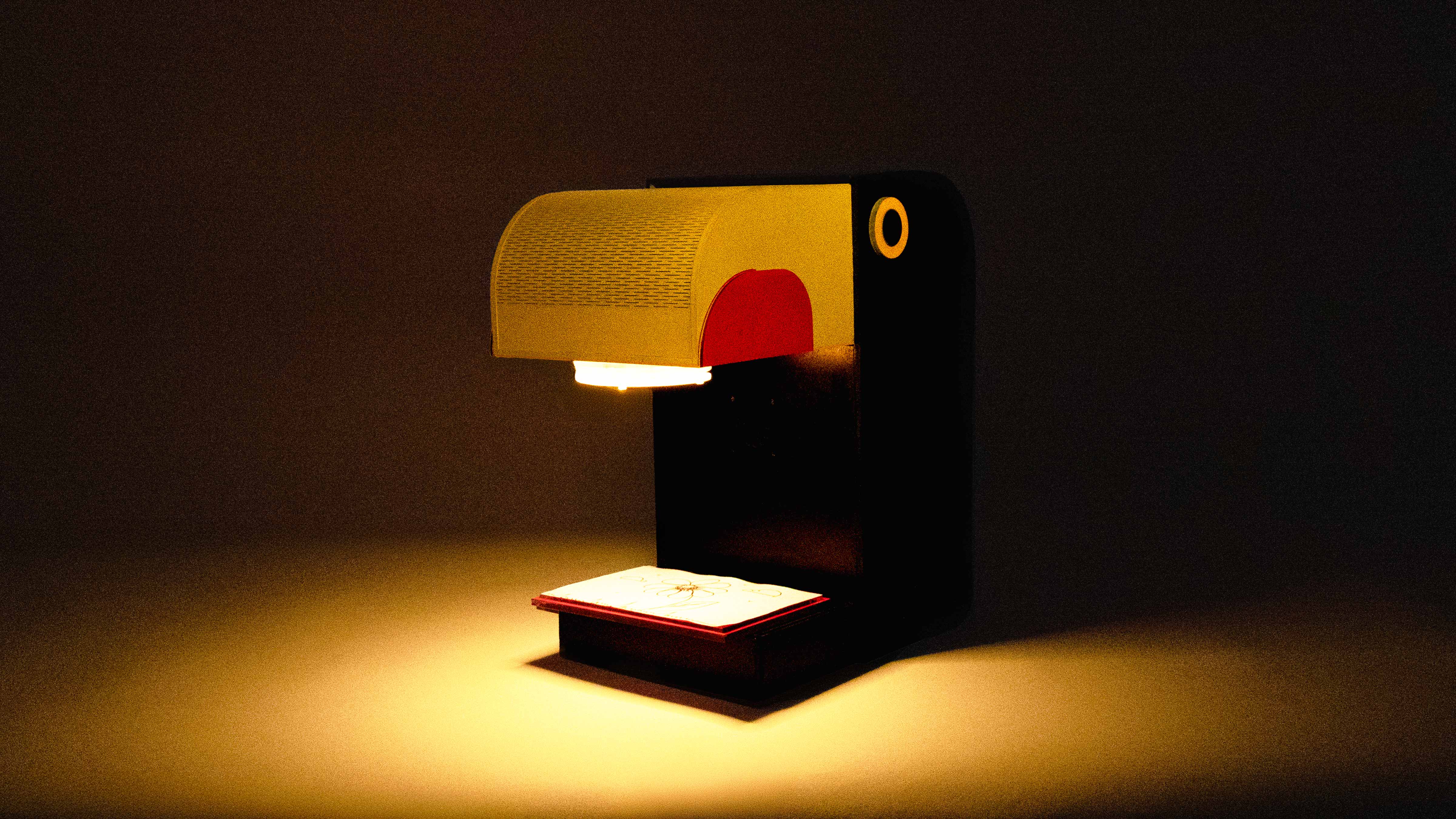
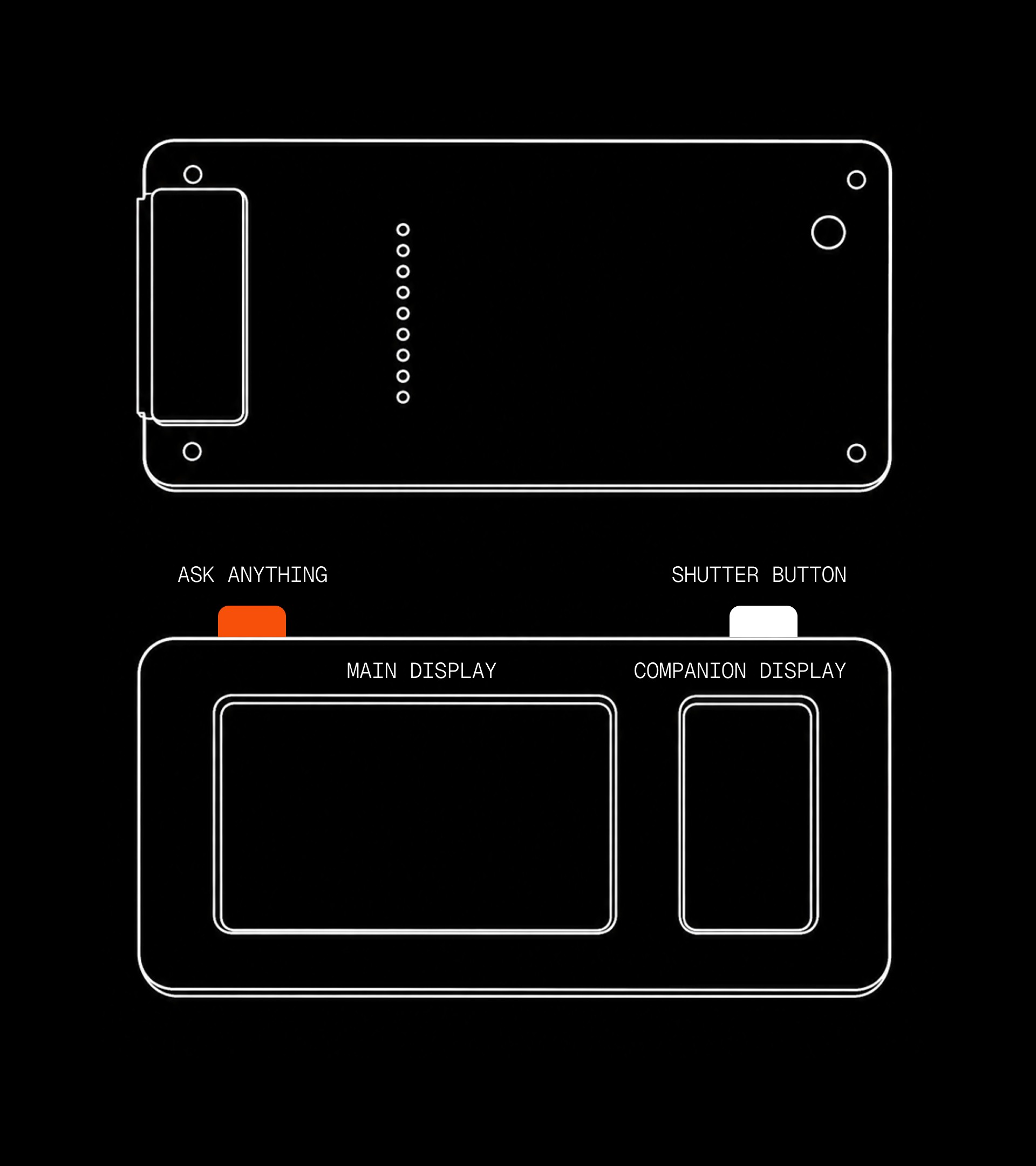
I explored different forms, proportions and control layouts to understand how Attune could feel familiar as a camera without simply replicating one.
Through rapid physical prototypes, I tested how the display, grip, shutter and dedicated controls relate to each other, gradually removing elements that added complexity without supporting the learning experience.


Making the idea physical
Testing how a phone, controls and a dedicated enclosure could become a camera-like learning object.
Reducing the object
Fewer components, clearer controls and a more direct relationship between the phone and the physical interface.

Keeping only what supports learning
One focused interface with tactile controls, designed around observation rather than operation.
MOTION DESIGN
Attune responds to both the learner and the scene. Animations and micro-interactions make those responses visible, helping the learner understand what the system has noticed and why new guidance or controls are appearing.
GENERATIVE INTERFACE
Instead of fitting every response into a predefined UI, Attune lets the response determine the interface. Depending on what the learner needs in that moment, guidance can take the form of a visual cue, an explanation, an example or an interactive control.


Guidance through markers + text
Markers, labels and short prompts appear directly on the scene to draw attention to what matters.


Guidance becomes visual
It can generate visual examples, overlays and alternate ways of seeing the same scene.
Controls appear when they become useful
Controls appear to help you explore a concept, then step away as you learn it.
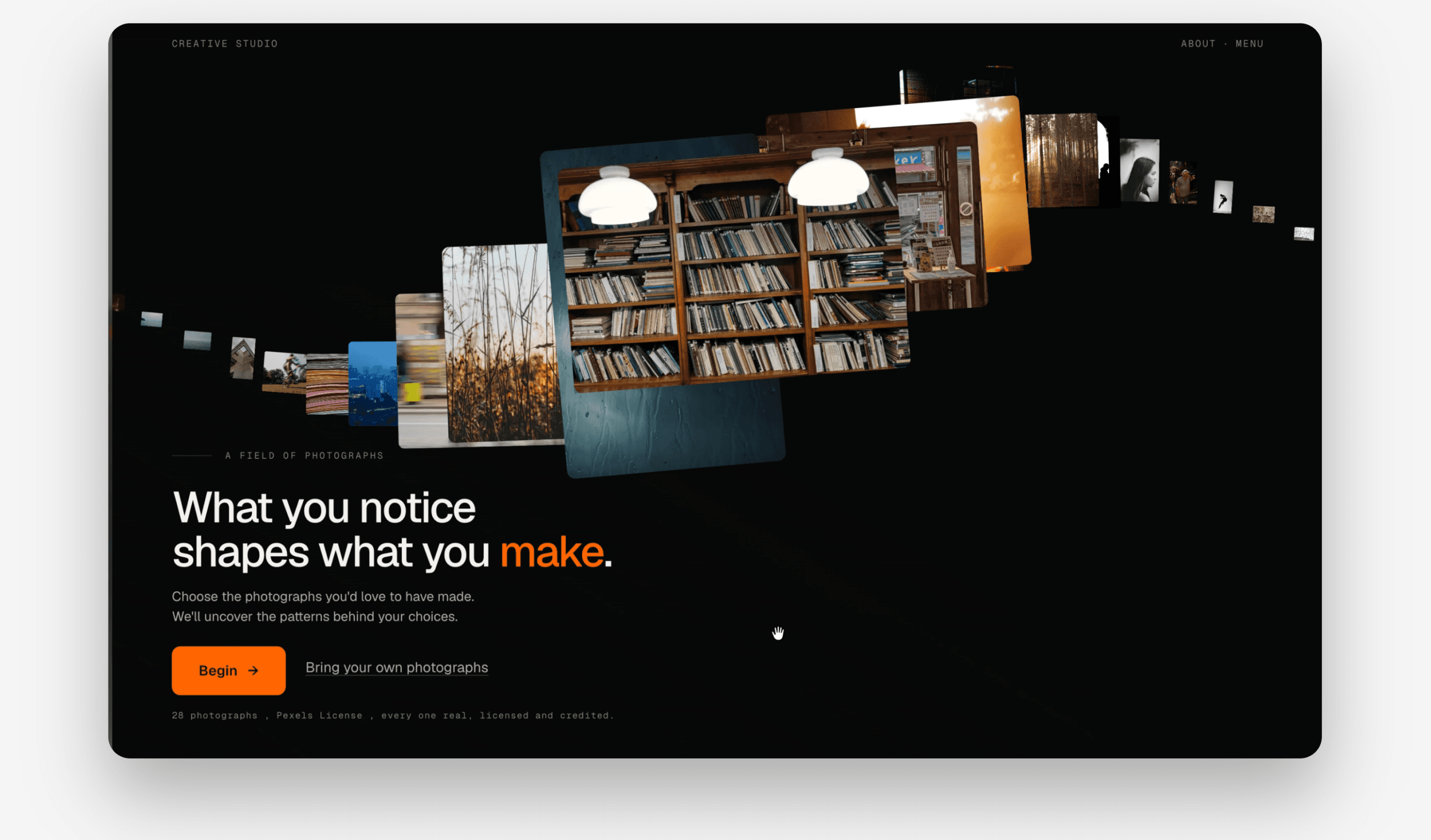
Choose between photographs instinctively. No right answer.
How Attune works behind the screen.
FUTURE POSSIBILITIES
Attune could extend into different areas of photography by changing what it pays attention to and the possibilities it surfaces. In portrait photography, it might help someone explore how lighting, pose or framing changes the character of an image.
In landscape photography, it could reveal different approaches to depth, perspective, atmosphere or visual treatment.


REFLECTIONS
Attune is designed to improve judgment, not create dependence. The next questions I’d test are less about the interface and more about what happens as the guidance disappears.
01
Does the user notice things without the cues?
02
Does the guidance fade at the right time?
03
Does the user develop their own style?