



Peak Partners
THE BUILD
The parts behind the colour
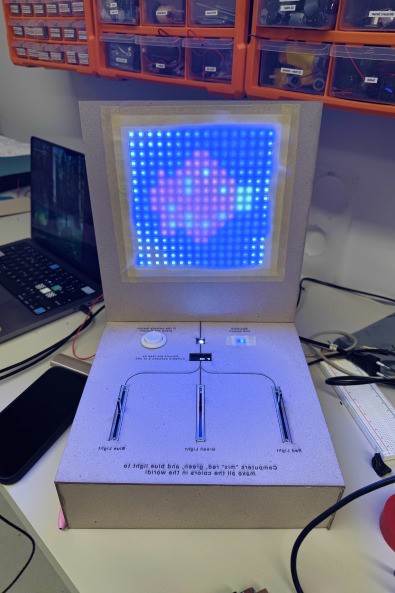
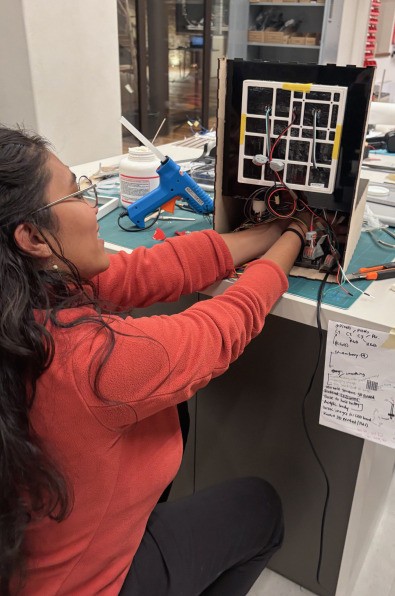
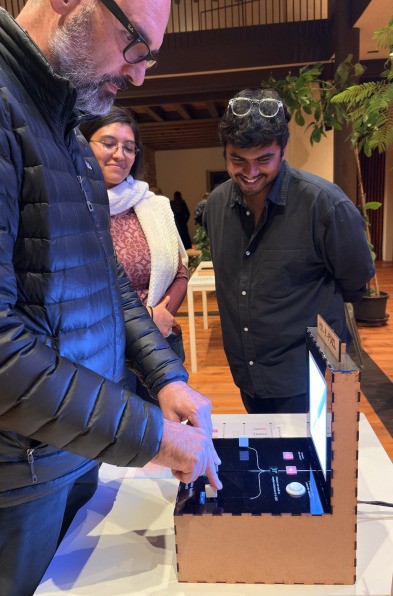
An Arduino R4 coordinates the interaction while three potentiometer sliders set the red, green and blue values. The LCD makes those numbers visible, and the arcade button, two indicator LEDs and LED matrix turn each match into feedback children can see.

MATCH THE REFERENCE
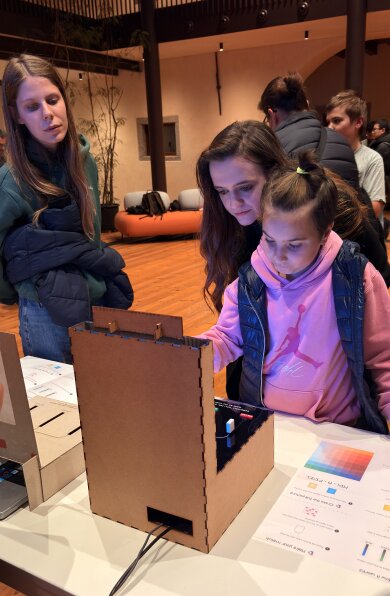
A reference colour creates a small challenge: move the three controls until the displayed mix comes close. Colour matching becomes something children can explore again and again, instead of a static explanation.


REVEAL THE PIXELS
Small matches build a larger image
When a close match is achieved, a button activates the LED matrix and lights the pixels that use that colour. Repeating the process with new reference colours gradually reveals the complete image.


REFLECTION
Mix A Pixel keeps RGB colour in the hands: adjust a value, see the change, then connect that one match to a larger image. The object turns a technical building block into a sequence of small discoveries.